Floor plan to 3D: recreate your home.
Bring the floor plan from your listing and we recreate your actual home from it: walls, doors, windows, rooms, stairs and every floor, at real size. Then furnish it any way you like.
From your floor plan to your home.
Three things happen between the plan in your listing and your recreated home. You see the plan and the home side by side the whole time.
- i.
Read the plan
The plan image is read for walls, doors, windows, room names and stairs, and the written dimensions set the scale.
- ii.
Rebuild the home
Walls get thickness and height, openings are cut where the doors and windows are, and each floor sits at its own level.
- iii.
Check and correct
Drag a wall, move a door or rename a room on the plan and your home follows. The 3D view always comes from the plan.
The plan you check is the home you get.
Hover or tap a room on the plan.

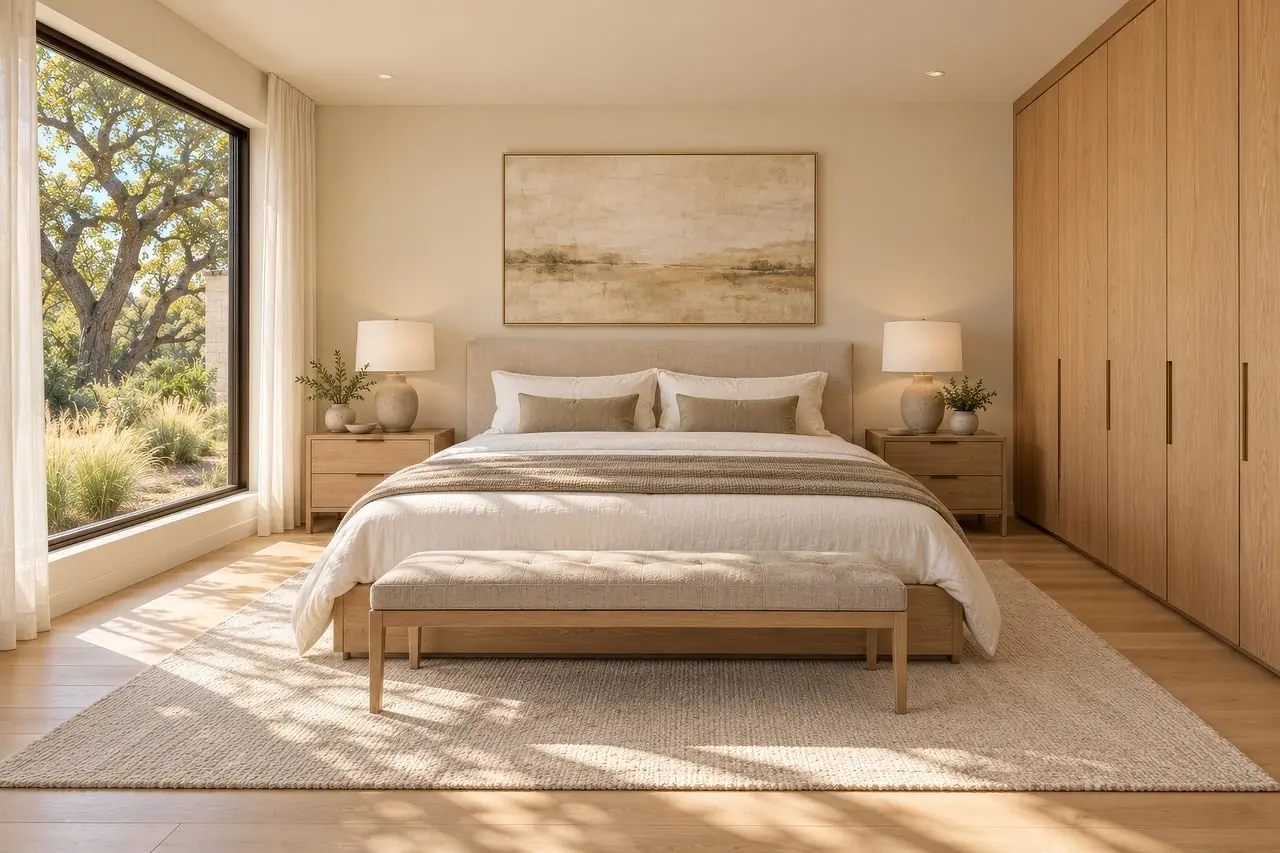
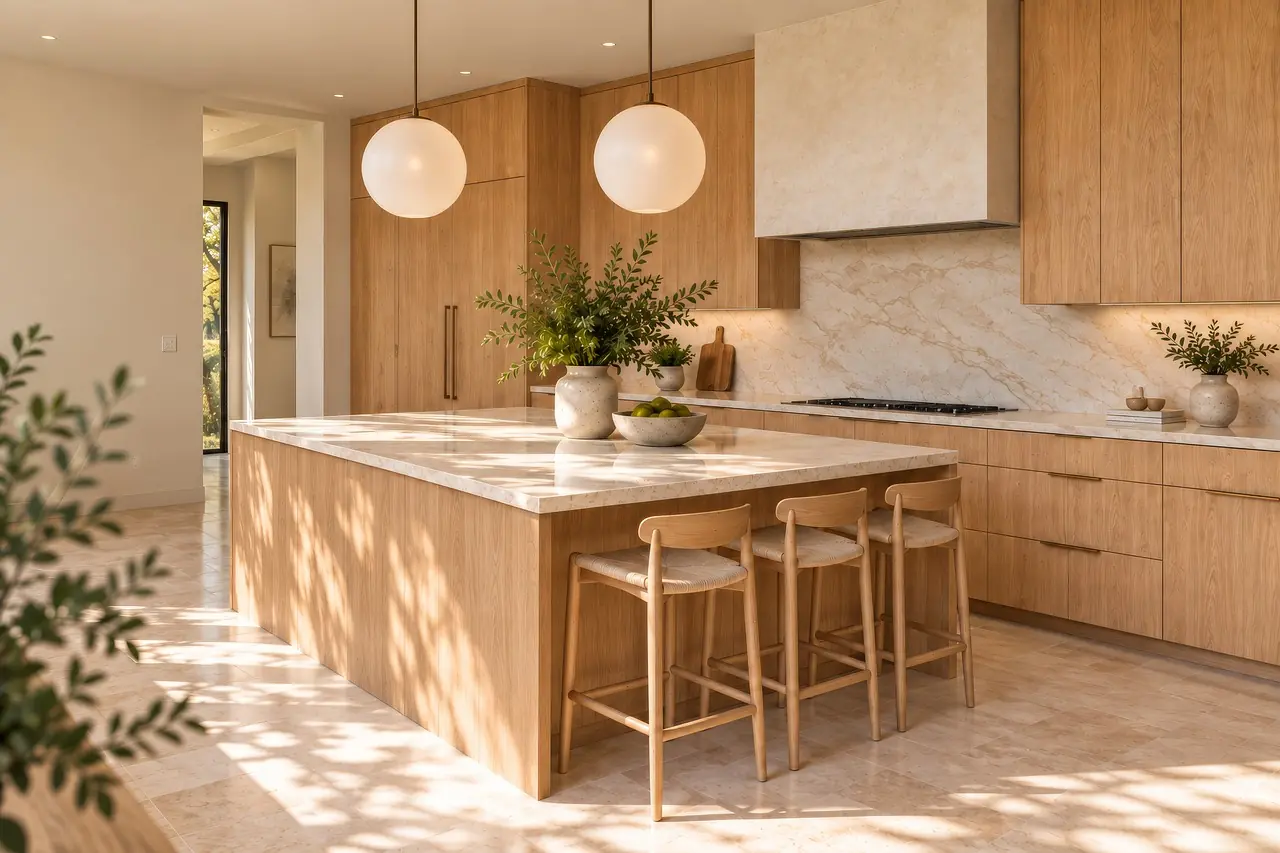
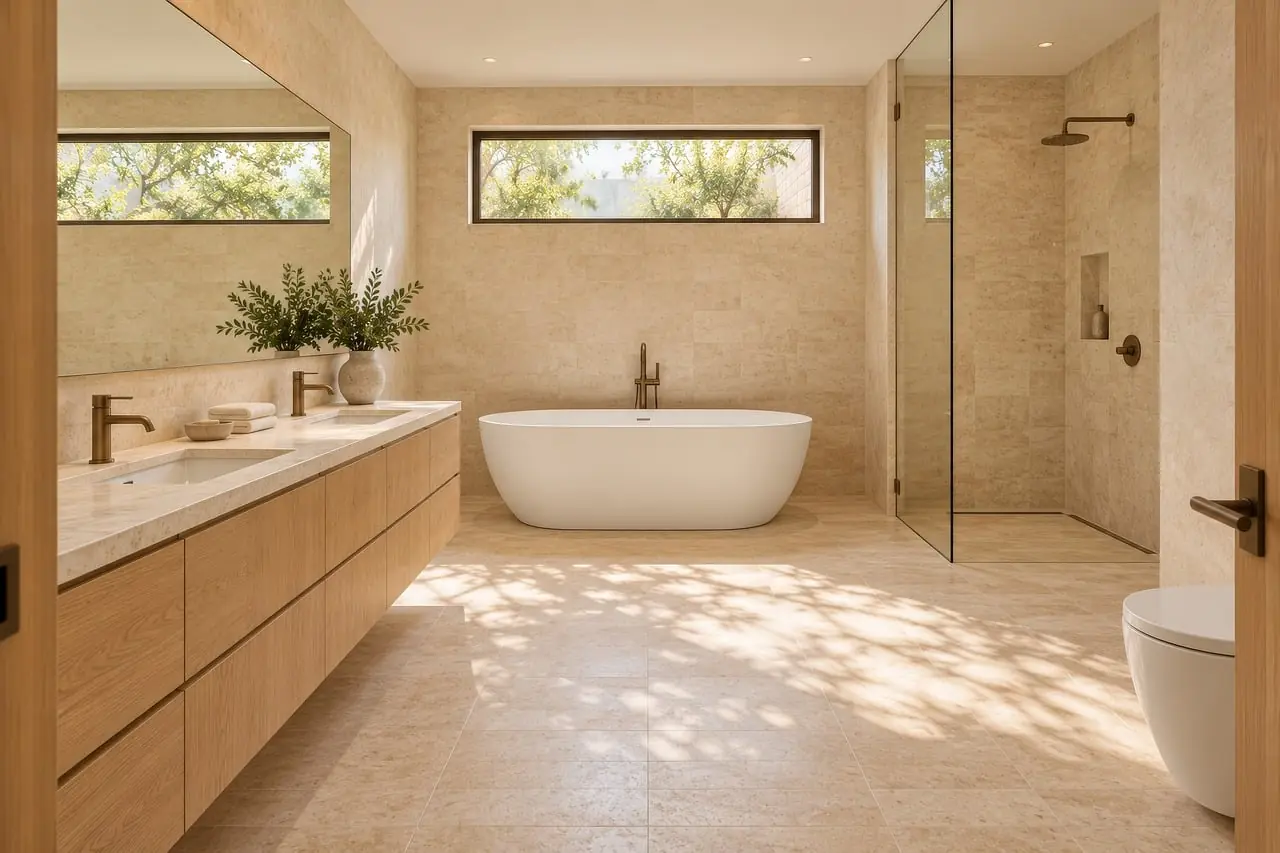
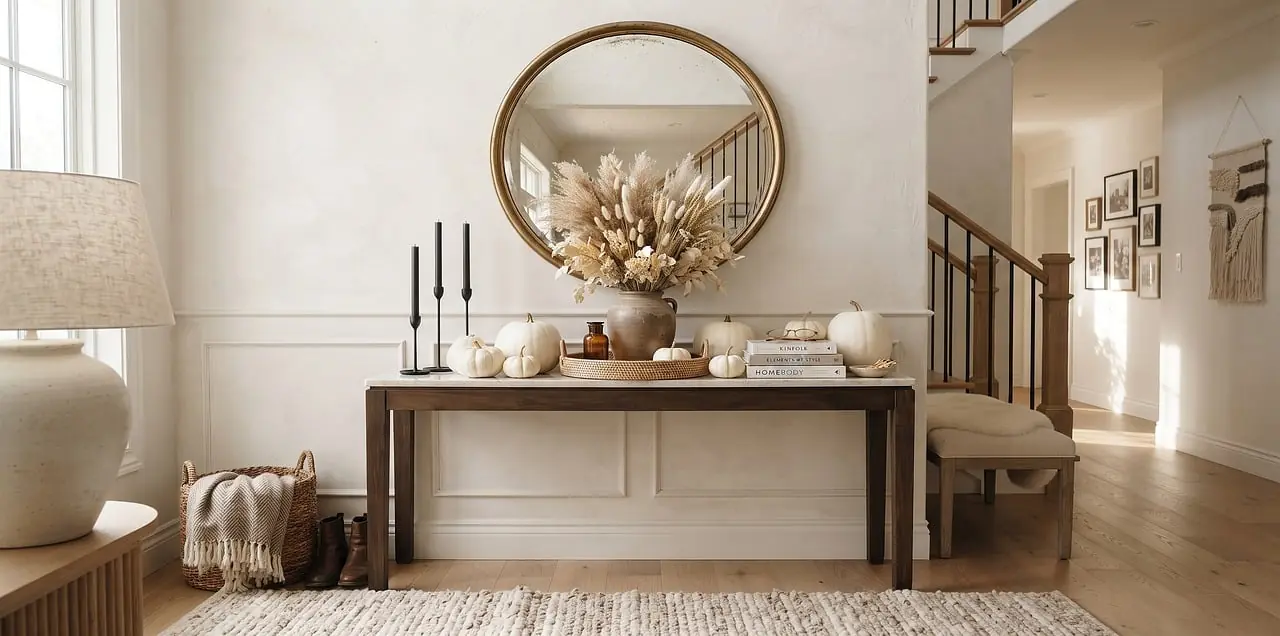
- Living6.0 × 4.2 m · 25.2 m²
- Bedroom4.0 × 4.2 m · 16.8 m²
- Kitchen5.0 × 2.8 m · 14.0 m²
- Bath2.0 × 2.8 m · 5.6 m²
- Entry3.0 × 2.8 m · 8.4 m²
Plan to 3D, in your hands.
Slide from the flat plan to 3D, drag to turn the house, tap a piece of furniture for its real footprint. A quick sketch built in your browser from the same measurements.
An interactive sketch of the plan, built in your browser from the same measurements. Not a render.
A home you can measure.
- True to sizeEvery measurement is in metres, so furniture that fits in your recreated home fits in the real one.
- Every floorStack floors, link them with stairs, and view one floor or the whole home.
- Cutaway viewsLook into rooms with the walls cut away, or see the assembled house.
- ExportsThe house as OBJ for other 3D tools, the plan as SVG, any view as PNG.
Once your home is rebuilt, stage it with the AI interior designer in one of 9 styles, and make a photoreal floor plan rendering from any angle. Plan reading can misread a blurry or angled plan, which is why you check your home before you design.
Floor plan to 3D, answered.
How do I turn a floor plan into a 3D home?
Upload an image of the plan (PNG, JPEG or WebP), such as the floor plan from your listing on Zillow, Redfin or any other site. The walls, openings, rooms and stairs are read, your home is rebuilt in metres, and you check it next to the plan.
What makes a floor plan convert well?
A straight-on, readable plan with written dimensions. Phone photos taken at an angle, heavy shading and hand sketches without measurements are harder to read and need more correction.
Can I use a PDF floor plan?
Not directly yet. Export or screenshot the page as a PNG or JPEG first.
Do listing photos help?
Matching floors and finishes from listing photos is coming soon. Today you choose finishes for each surface, or upload a photo of a material to use as a texture.
What can I do with my recreated home?
Furnish it with the AI designer, choose materials, save camera views, make photoreal renders, and export it: the house as OBJ, the plan as SVG, a view as PNG.